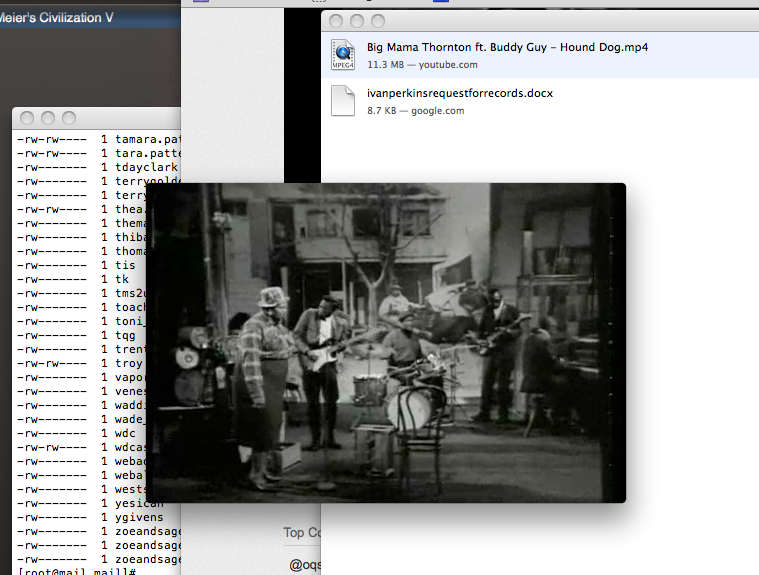
This page will tell you how to download Youtube videos as a simple video file.
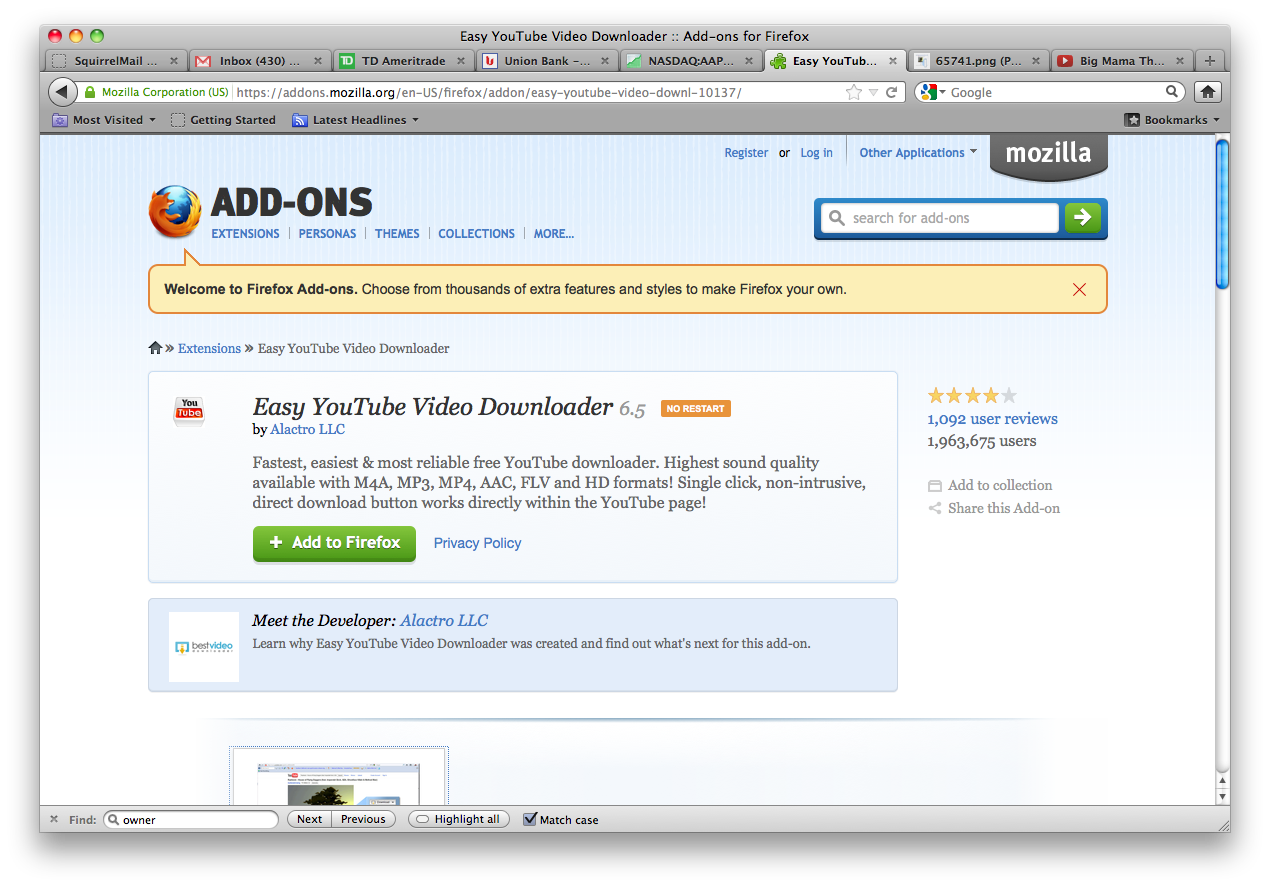
We are going to use an add-on for Firefox called "Easy Youtube Video Downloader" to do the download.
Download and run the installer.
Now, find a video you want to download.

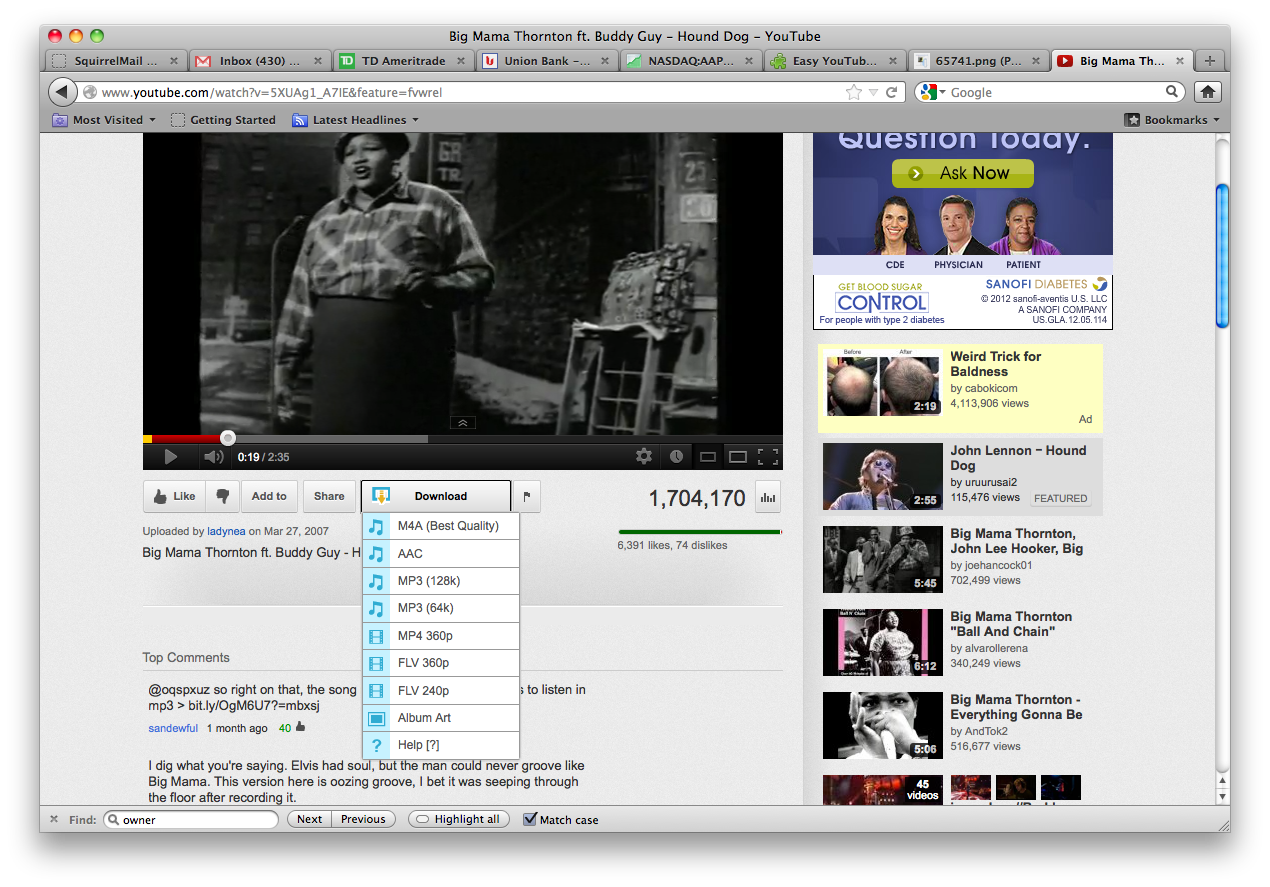
If you look at the bottom of the video you will see a button that says "Download". Click it and a list of video filetypes will come up. Choose the type of file that you want, such as MP4 or SWF. I'm going to choose MP4.
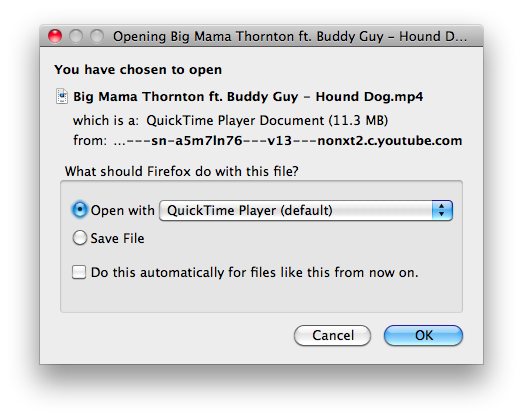
Then the system will ask you what you want to do with the file. You can save it or play it. I'm on a Mac, if you are on Windows your choices will be slightly different.
Now, we can play the file, outside of the web browser, or edit it, or do whatever we want.